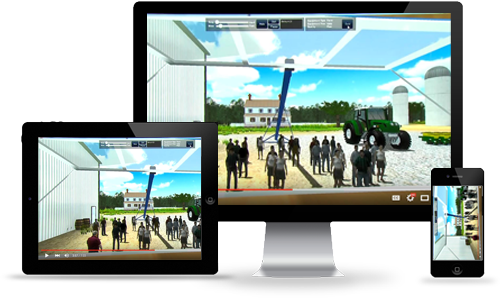
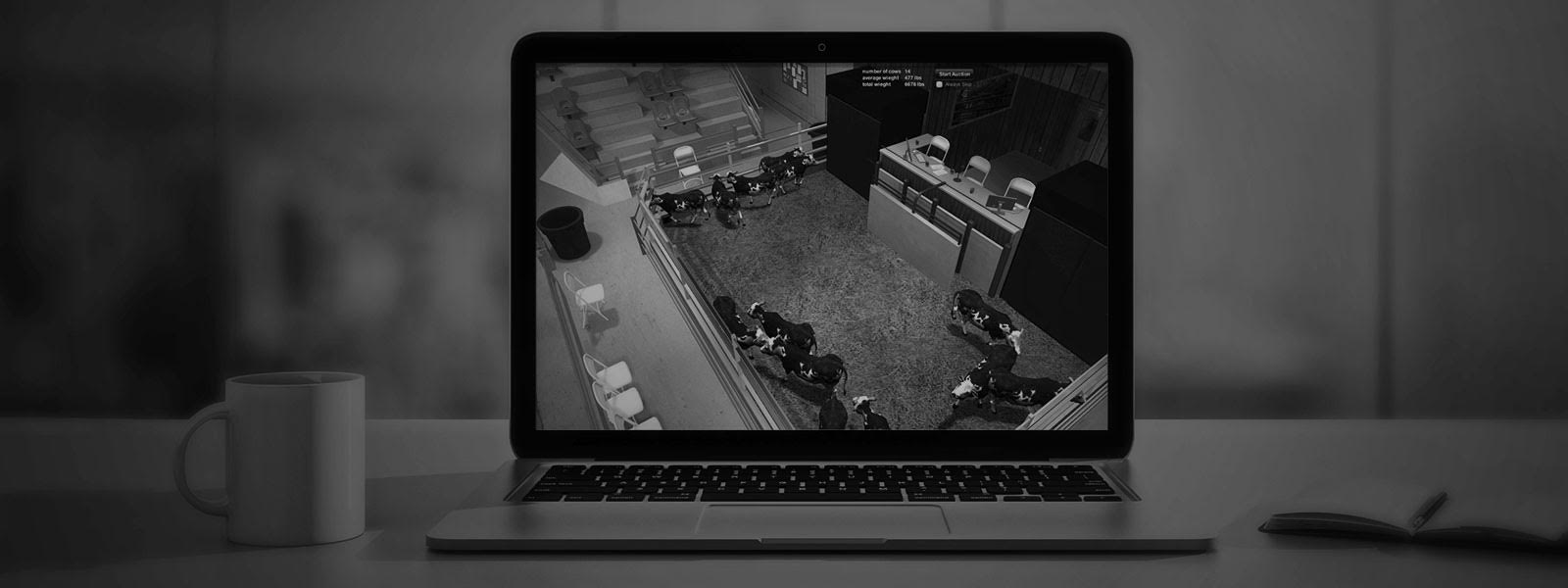
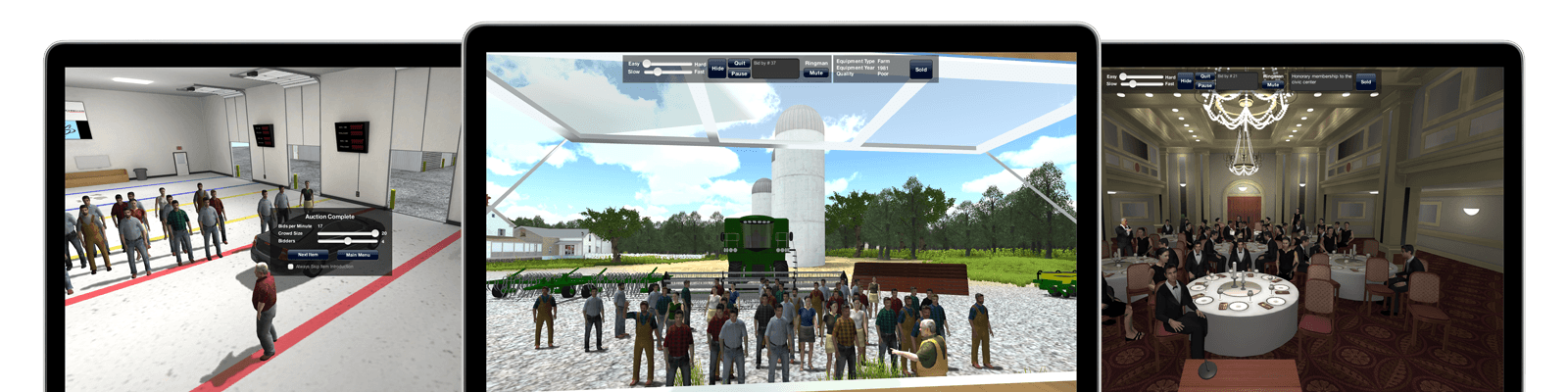
"Virtual Auction is near and dear to me because it is a 21st Century version of the way my Dad trained me 25 years ago. I recommend Virtual Auction to all of the students that I teach in auction school because it is an amazing bid calling practice tool that you can do anywhere, any time and by yourself. An excellent tool for the novice or the experienced bid caller, this well designed product virtually puts you in several different auction situations and allows you to hone your craft to perfection. Of course, nothing is like real time auction experience, but Virtual Auction is the next best thing and a top notch training tool." - John S. Nicholls (President of Nicholls Auction Marketing Group, Inc., IAC Champion, WAAC Champion)
"There's no need to drive down the road selling fenceposts....not when you have Virtual Auction. This user friendly program lets you adjust your bidders speed among many other things to help you practice your chant. As an instructor at both World Wide College of Auctioneering and the Professional Ringmen's Institute (PRI), I would recommend this program for beginning auctioneers, experienced auctioneers and ringmen." - Shannon Mays (PRI Instructor, CAI, AARE, BAS, IAC Champion)
"Virtual Auction is a must for every new & experienced Auctioneer on the road to their next success. I recommend for every auctioneer to have this excellent tool to be the best they can be and further their career in every area. It’s a small investment that brings large professional & financial returns. I have seen what practicing with it has done for top auctioneers everywhere." - Paul C. Behr (President-World Wide College of Auctioneering, IAC Champion, WLAC Champion)
"The call of the auctioneer is a very unique skill. It’s rhythmic communication delivers numbers with passion and urgency while establishing a rapport with bidders. The auction chant takes practice, commitment and experience to succeed. As an instructor at Western College of Auctioneering for 34 years I use, recommend and fully support Virtual Auction. This program offers the best practice tool available to hone an auctioneer’s skill. I am proud to have one in my library, I use it often and I encourage any auctioneer with a desire to improve their technique to try Virtual Auction.
" - Jeff Stokes (IAC Champion, WLAC Champion, WAAC Champion)